
How to Convert Pixels to Inches
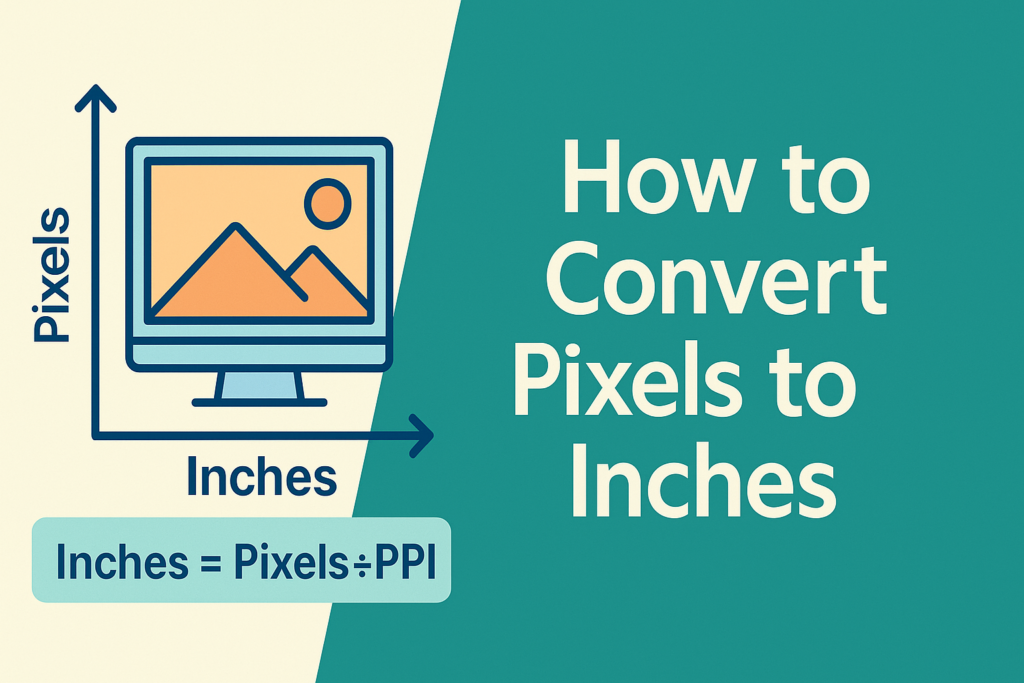
If you’ve ever stared at a design project and asked yourself, “Will this actually print right or just look great on screen?”—welcome to the club. One of the first technical hurdles graphic designers, digital artists, and even social media managers face is understanding how to convert pixels to inches. Whether you’re designing a logo, a website banner, or a print ad for that giant billboard (lucky you!), nailing down dimensions in inches is critical. This guide will walk you through everything you need to know about converting pixels to inches. And no, you don’t need to be a math genius or a graphic wizard—we’ll break it down for real-world use. What Is a Pixel, Anyway? A pixel (short for “picture element”) is the tiniest unit of a digital image. Think of it as one single Lego block in the mural of your image. Pixels are used in web design, image editing, and display screens, and they’re commonly abbreviated as “px.” But—and here’s the kicker—a pixel doesn’t have a fixed physical size. It only gains physical meaning (in inches, cm, or mm) when tied to a specific PPI (pixels per inch). Which leads us to… Why Convert Pixels to Inches in the First Place? Ah, the million-pixel question! Here’s why you should care about how to convert pixels to inches: Pixels vs DPI vs PPI – Clarifying the Jargon Before we get to how to convert pixels to inches, it helps to understand these three common acronyms: So, when converting, you’re usually working with PPI for digital screens and DPI for print formats. The Magic Formula: Converting Pixels to Inches Here it is—no complicated software required: Inches = Pixels ÷ PPI Let’s run a quick example: Voila! That’s how to convert pixels to inches in one simple step. Doing It Backward: Inches to Pixels Sometimes you know the final size (in inches) but need to find the pixel size to design at: Pixels = Inches × PPI Say you want a 5-inch wide image at 300 PPI: Pro tip: Always lock your aspect ratio when resizing, unless you’re aiming for the “funhouse mirror” aesthetic. Using Pixel to Inch Converter Tools Math not your thing? Don’t worry, the internet’s got your back. Here’s how most converters work: Some great online converters even come with tables, like: Pixels (px) Inches (at 96 PPI) 96 px 1 inch 300 px 3.13 inches 1080 px 11.25 inches Yes, it’s that easy. Common Scenarios for Conversion Challenges to Watch Out For Before you go converting everything in sight, be aware of: So while knowing how to convert pixels to inches is key, applying the right context is equally important. Bonus: How to Convert Pixels to Inches in MS Paint We get it—you’re old-school. Here’s a quick guide: Just know Paint has limited control over DPI—so if you’re aiming for print perfection, use Photoshop or Illustrator instead. Mastering how to convert pixels to inches is more than just a handy design skill—it’s essential to maintaining quality, consistency, and professionalism in your creative projects. Whether you’re crafting digital ads or prepping your art for print, these conversions ensure your design is seen exactly as intended. And if all this feels a little technical, don’t worry—that’s what we’re here for! At SE Rank Pro, we’re a results-driven, expert-led digital marketing company in Chandigarh that doesn’t just stop at design—we make sure your entire web presence is optimized, responsive, and beautiful across all screens and formats. Let us handle the pixels while you focus on the big picture.