
How to Write a Copyright Footer
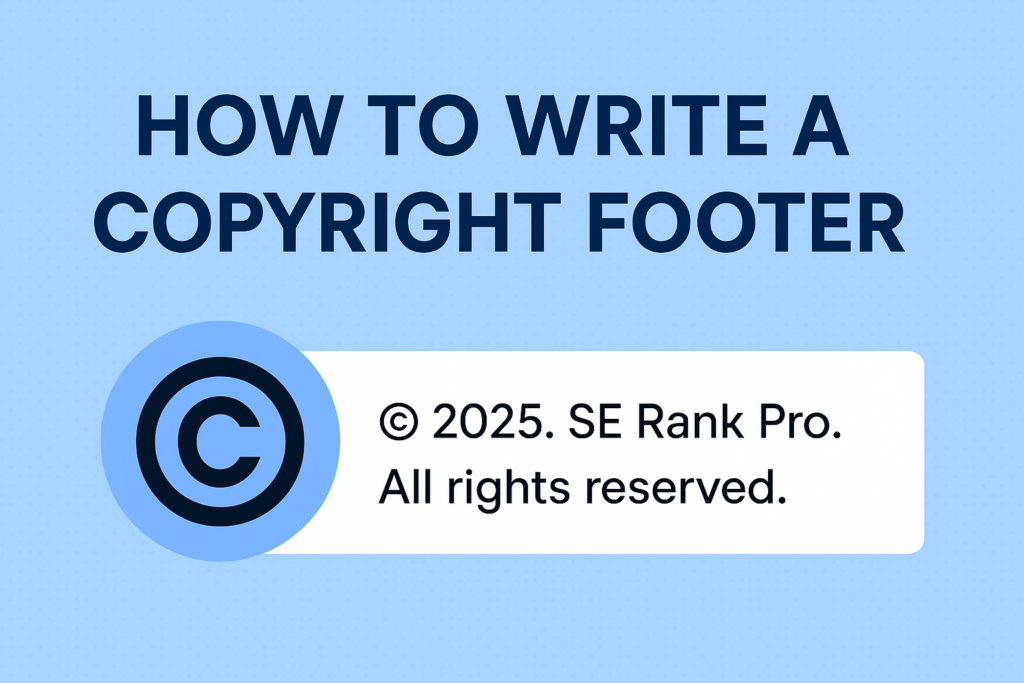
If you’ve ever scrolled to the bottom of a website and seen a tiny line that reads “© 2025. SE Rank Pro. All rights reserved.” — congratulations, you’ve met the copyright footer. It may be small, but it carries big weight when it comes to protecting your website content and giving your brand a polished, professional appearance. Still wondering how to write a copyright footer the right way? You’re in the right place. Whether you run a blog, business site, or digital portfolio, this guide will walk you through everything you need—no legal jargon required. Why a Copyright Footer Matters Let’s get something straight: the moment you create original content—whether it’s blog posts, product descriptions, custom graphics, or website code—it’s automatically protected under copyright law. But simply having legal protection isn’t always enough. A copyright footer is your digital megaphone, quietly shouting, “This content is mine. Don’t touch.” While not legally required in most countries, it’s strongly recommended because it: The Key Ingredients of a Copyright Footer To master how to write a copyright footer, you only need a few core ingredients: 1. The Symbol You can use either: The symbol is shorter, cleaner, and more modern, which is why most sites go with it. 2. The Year (or Range of Years) You should include: Examples: This shows that your content has been consistently maintained and protected over the years. 3. The Owner’s Name This should be your name or your business name. In your case: ✅ SE Rank Pro Please don’t forget this step. Writing “© 2025. All rights reserved.” and forgetting to include your name is like locking your door but leaving your house number blank. 4. The Rights Statement The classic “All rights reserved” is still the go-to. It tells people they can’t reuse, republish, or remix your content without permission. Optional variations include: But for most business websites, this works perfectly: ✅ © 2025. SE Rank Pro. All rights reserved. Where Should the Copyright Footer Appear? Put it where your users expect to find it: in the footer of every page on your site. This ensures: Pair it with links to: Automate the Year (Because You’ll Forget) If you’re like most people, you’ll forget to update the copyright year every January. Good news: you can automate it! WordPress (PHP): © <?php echo date(“Y”); ?>. SE Rank Pro. All rights reserved. HTML + JavaScript: “© <script>document.write(new Date(). getFullYear());</script>. SE Rank Pro. All rights reserved.” This tiny code snippet makes sure your website always reflects the current year—without you lifting a finger (or opening your footer file). Copyright Footer Examples Using SE Rank Pro Let’s drive it home with some ready-to-use templates that feature your brand. ✔ Basic format:© 2025. SE Rank Pro. All rights reserved. ✔ Year range for active sites:© 2020–2025. SE Rank Pro. All rights reserved. ✔ With policy links:© 2025. SE Rank Pro. All rights reserved. | Terms | Privacy ✔ Auto-updating version (WordPress): © <?php echo date(“Y”); ?>. SE Rank Pro. All rights reserved. ✔ Auto-updating version (HTML): “© <script>document.write(new Date(). getFullYear());</script>. SE Rank Pro. All rights reserved.” ✔ With trademark note (if applicable): © 2025. SE Rank Pro. All rights reserved. SE Rank Pro® is a registered trademark. Is It Legally Required? In most countries (like the US or India), copyright exists as soon as the content is created. You don’t need to register or display anything. But the footer: In the US, you can register your copyright for extra protection—especially if you’re in a content-heavy business. But for most websites, a footer is enough to communicate ownership clearly. Copyright Footer vs. Terms and Conditions Your footer protects the content. Terms and Conditions protect your rules. If your site: You’ll need Terms and Conditions too. We recommend pairing them with your copyright line for full protection and legal clarity. Final Checklist Before You Publish ✅ Symbol or the word “Copyright”✅ Year (or range) correctly listed✅ SE Rank Pro as the owner✅ “All rights reserved” included✅ Footer appears on every page✅ Optional: links to legal documents Conclusion Learning how to write a copyright footer is simple—but skipping it is a common mistake even pros make. Think of it as your digital boundary line, quietly guarding your creativity and making your site look buttoned-up and legitimate. And remember, even if copyright is automatic, a footer makes it visible. It’s like locking your house and putting up a sign that says, “Protected by SE Rank Pro Security.” Okay, maybe not that dramatic—but close. Need Help? We’ve Got You Covered At SE Rank Pro, we don’t just teach you how to write a copyright footer—we help you build smarter, stronger websites from the ground up. As a trusted digital marketing company in Chandigarh, we offer complete website development, SEO, and branding services that protect your content and grow your traffic. Whether you’re launching your first blog or scaling a digital empire, our team is here to help you look good—and stay protected.